Phone, scheduling, and follow-up systems for dental and orthodontic practices. Each one runs in your practice’s name, inside the practice management system you already use. KMW builds it, tests it against your real calls, and keeps it running after it goes live.
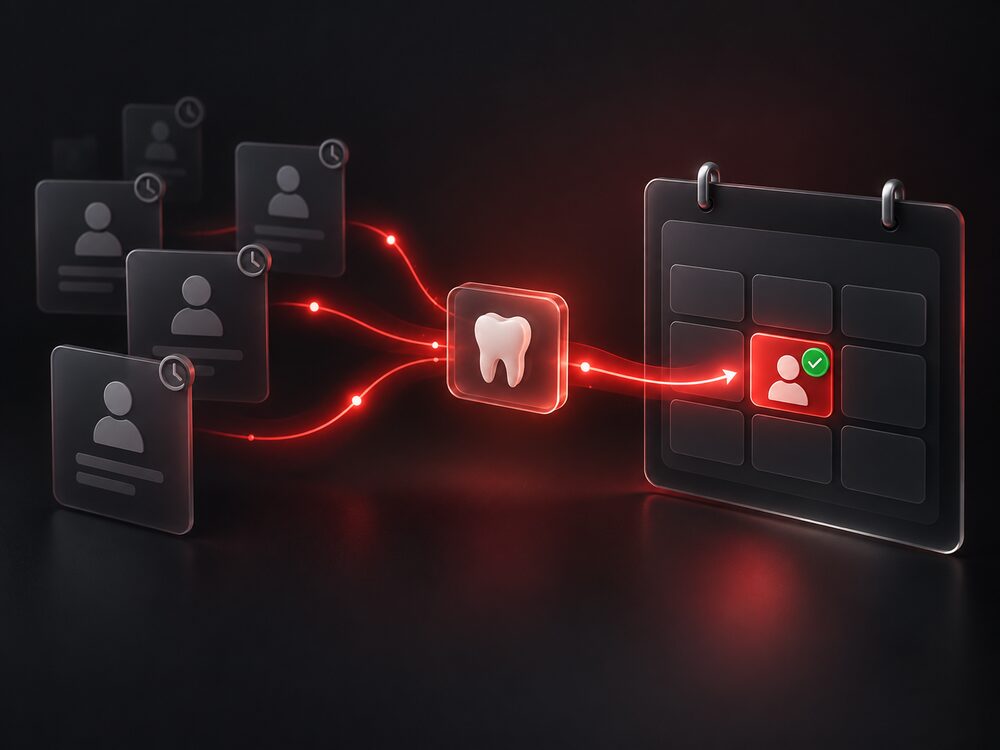
Patients you haven’t seen in a year come back, booked into open slots on your schedule, with no calls for your front desk to make.
SOLUTION
Existing patients come back and fill the schedule before you spend a dollar on new ones.
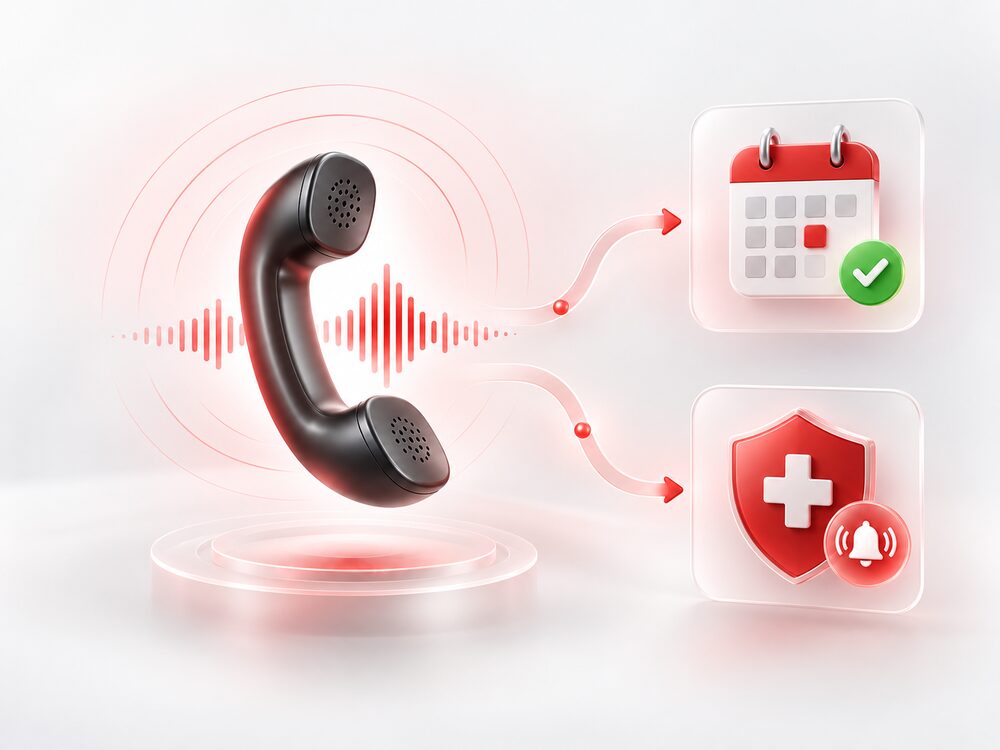
Books, reschedules, and confirms appointments inside your practice management system. Broken tooth at 11pm? The right person is reached. Everything else gets booked.
SOLUTION
New-patient calls at lunch and at 6:15 on a Friday get answered instead of going to voicemail.
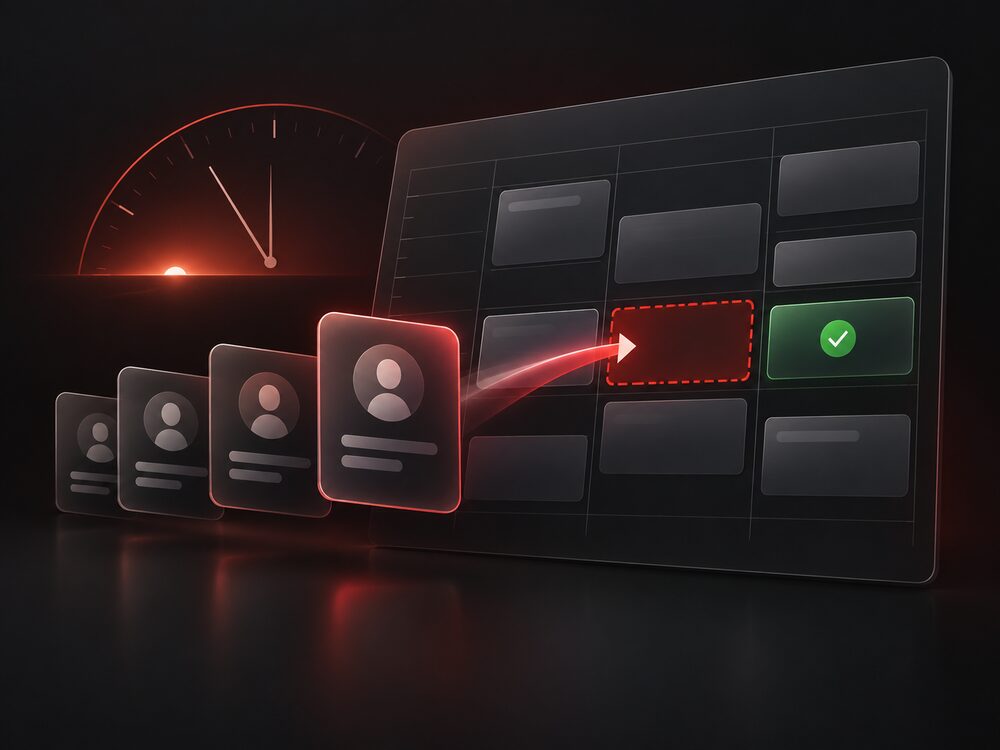
A cancellation triggers rescheduling on the spot, and a working waitlist offers the opening to the next patient right away.
SOLUTION
Fewer holes in the schedule, and the ones that open get a real chance to fill.
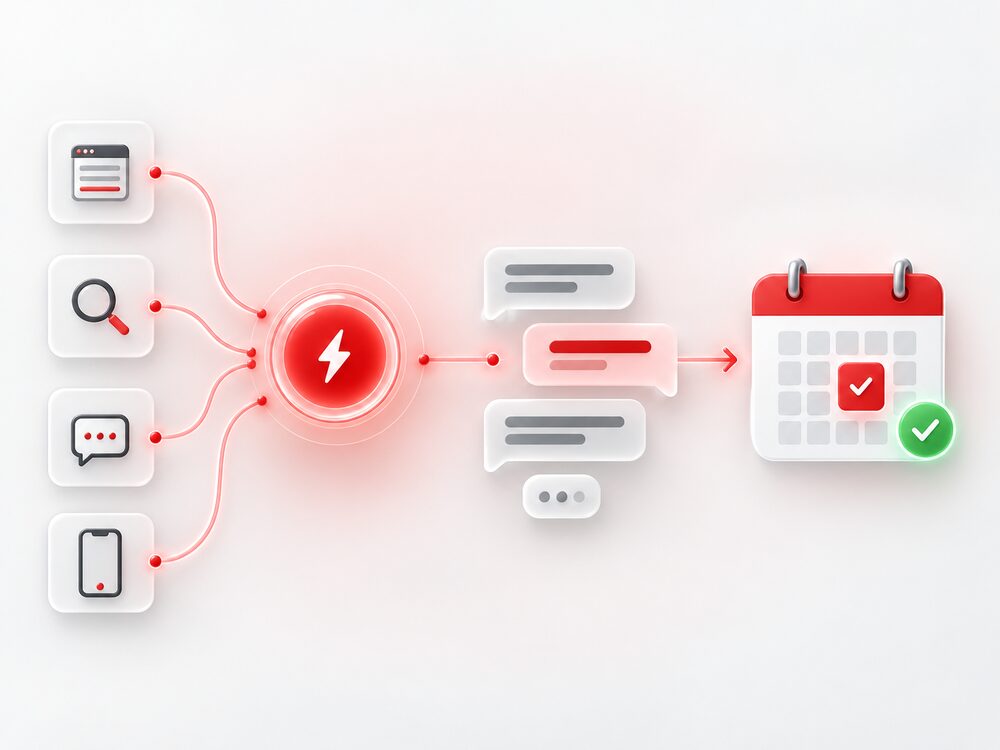
Website forms, Google ad leads, and Facebook and Instagram messages, all answered. Follow-up continues until there’s an appointment on the schedule or a clear no.
SOLUTION
Inquiries turn into appointments instead of going cold.
Requests go out the same day, timed after the appointment. Every review gets a reply in your voice, and you approve the tough ones.
SOLUTION
A steady flow of new Google reviews, and a reply on every one.
Twenty minutes, at your office or on a video call. No prep needed.
Call the line set up in your practice’s name and hear an after-hours call handled.
Using your own hours and fees, we work out what missed calls cost you.
Start with the system that pays for itself first, then we build, test, and launch it. If none do, we stop there.
KMW Consulting signs a Business Associate Agreement before any system it builds touches protected health information. Patient identifiers stay inside your practice management system wherever the build allows. We make no clinical decisions, give no clinical guidance to patients, and never alter a clinical record.
No. It protects them. The systems absorb the overflow, after-hours calls, and repetitive follow-ups so your team focuses on patients in the chair instead of a ringing phone.
Yes. Each system is built to run inside the practice management system you already use, so bookings and records land where you expect them.
After the demo and a signed agreement, typically a few weeks per system. KMW builds it, tests it against your real calls, and keeps it running after launch.
No. Start with the leak that’s costing you the most (we work it out on the demo, with your numbers) and layer in the rest as you see results.
Twenty minutes, at your office or on a video call. You call the line yourself, then we work out what missed calls cost you, in your numbers.